Hot desking means people use a shared workstation instead of having one permanently assigned desk. In a small office in Puchong or Cheras, it can help you organise space around how often people come in, as long as the desk setup, storage and daily routine are clear.
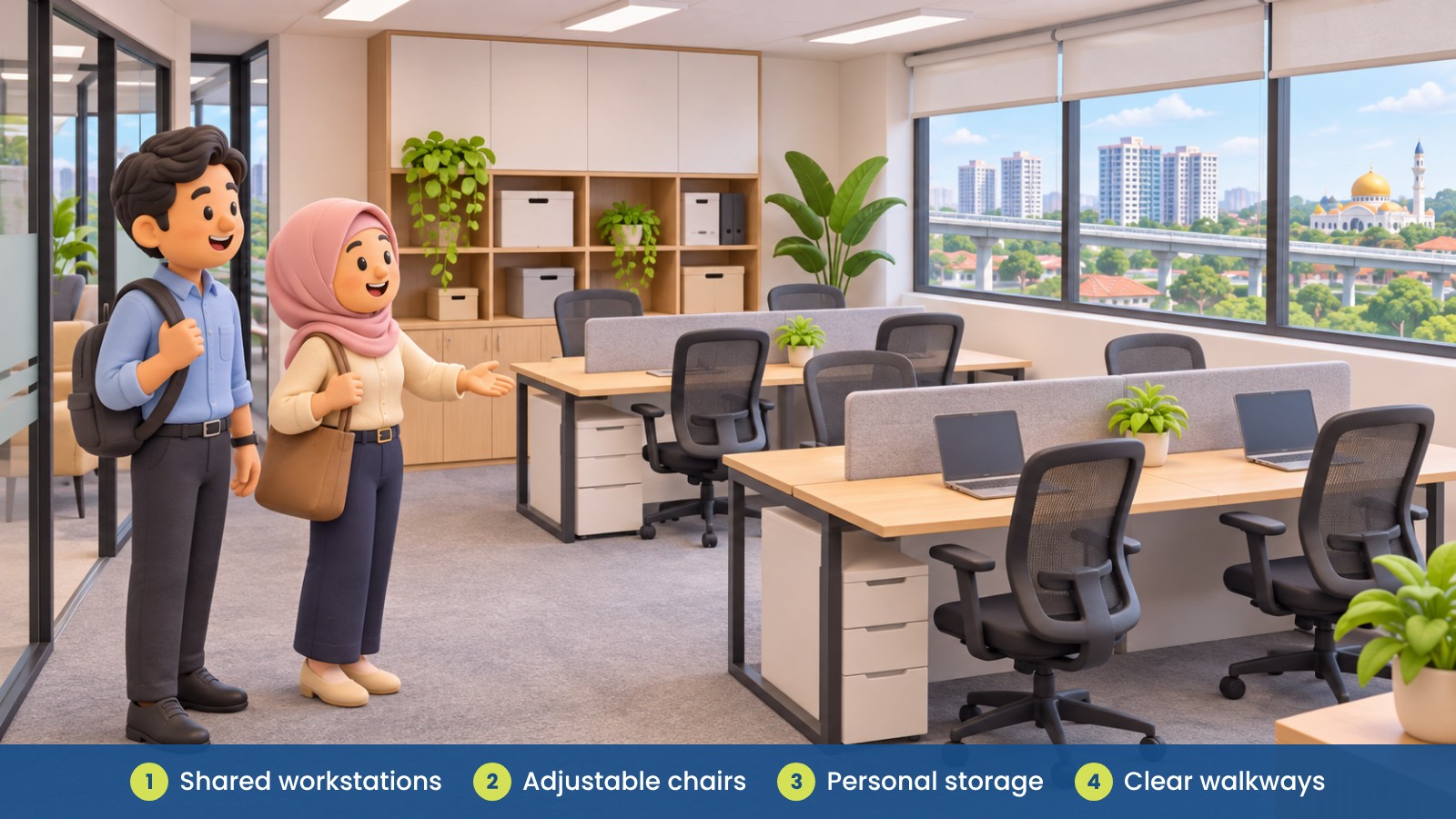
Key Takeaways
- Estimate how many people use the office at the same time before deciding how many desks to share.
- Set a simple routine for choosing desks and keeping them ready for the next person.
- Provide practical storage for personal items and work materials.
- Choose chairs and desk setups that can be adjusted by different users.
- Review the arrangement after people have used it and adjust where needed.
The 2-minute version
- Check office attendance patterns and identify peak days.
- Count the shared workstations needed for those busier periods.
- Plan desk locations, chair adjustments, power access and clear walkways.
- Decide where users keep personal items and shared work materials.
- Explain the desk booking, clean-up and equipment reset routine to the team.
How many desks does a small office need for hot desking?
There is no single desk count that suits every small office. Start with the number of people who are likely to be in the office at the same time, then consider whether they need a full workstation, a short-stay desk or a shared meeting table.
Look at attendance patterns across the week rather than relying only on the total headcount. If many people come in on the same day, a flexible arrangement may still need enough workstations for that peak. Keep the plan easy to review as working patterns change.
What should you plan at each shared workstation?
| Item |
What to plan |
Why it helps |
| Desk |
Size, location and access to power |
Gives users a practical place to work without crowding the room. |
| Chair |
Adjustments that different users can set for themselves |
Makes the workstation easier to adapt between users. |
| Storage |
Lockers, shared cabinets or another agreed option |
Helps keep personal items and shared supplies organised. |
| Shared equipment |
Where monitors, accessories or supplies are kept |
Reduces setup confusion and keeps the desk ready to use. |
How can a small office make hot desking easier?
Keep the daily process simple. Tell the team how to choose a desk, where to store personal items and what to do with shared equipment after use. If the routine takes too many steps, staff may find it harder to follow consistently.
Think about the room as a whole, not just the desks. Leave practical routes to doors, storage and shared areas. If people need quiet work or private calls, consider whether another area can support those activities so the shared desk zone stays focused on individual work.
What furniture works well in a hot-desking office?
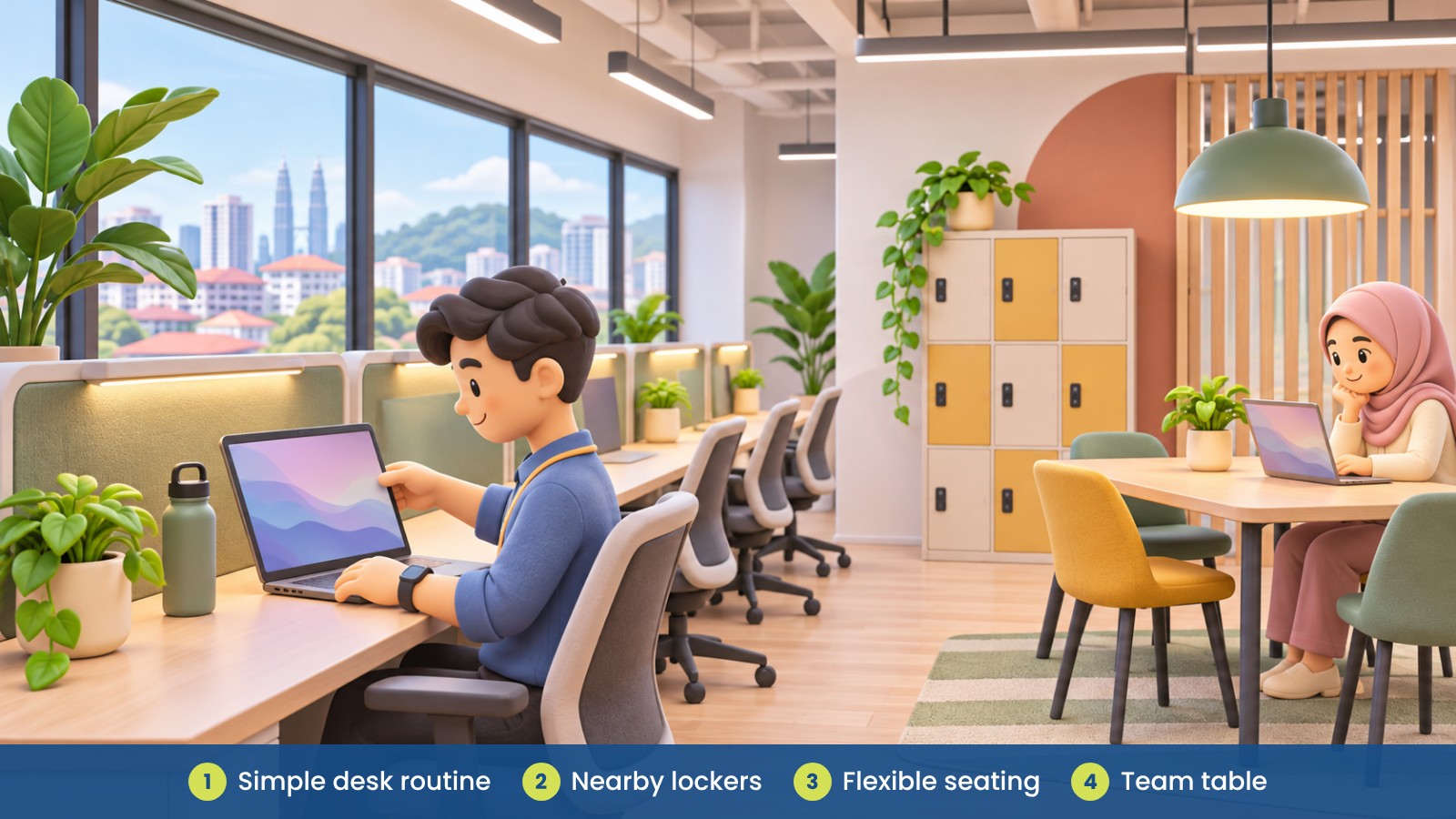
Shared workstations usually benefit from furniture that is straightforward to adjust and keep organised. Desks, ergonomic chairs and suitable storage form the starting point. Depending on the team’s work, monitor arms or a small collaboration table may also be useful.
For a compact Puchong or Cheras office, measure the room before adding workstations. Include chairs in the layout because they need room to move in and out. Check that storage does not narrow the main route through the office.
What can go wrong with hot desking?
- Too few desks on busy days can leave staff searching for a place to work.
- Unclear routines can lead to equipment being left behind or shared desks becoming untidy.
- Insufficient storage can cause personal items to collect on work surfaces.
- A layout planned without chair movement can make a small office feel crowded.
Test the arrangement with your team and make adjustments based on how people use the office. Confirm building access and any furniture installation arrangements with your building management where relevant.
Lower-carbon choices for a shared-desk setup
Businesses may face ESG questions about resource use and purchasing. Hot desking can be an opportunity to review existing furniture and plan quantities carefully, rather than automatically buying one complete workstation for every employee.
- Reuse desks, chairs and storage that remain suitable for shared use.
- Choose modular furniture that can be rearranged if attendance patterns change.
- Repair or adjust existing chairs where practical before replacing them.
- Buy only the workstations and accessories needed for actual office use.
- Ask suppliers what material, repair and end-of-life information is available.
How can iGreen help?
iGreen Office Furniture can help small teams plan shared desk layouts, select workstations, ergonomic chairs and storage, and coordinate delivery and installation. The aim is to make the available office space work for your team’s actual routines.
Contact iGreen to discuss a hot-desking layout for your office.
Frequently asked questions
Is hot desking suitable for a small office?
It can suit a small office when attendance patterns, desk availability and shared routines are clear. Check the busiest days before deciding how many workstations to provide.
What is needed for a shared workstation?
A practical desk, an adjustable chair and a clear plan for equipment and storage are a useful starting point. The specific setup depends on the work people do.
How do staff keep personal items in a hot-desking office?
Plan lockers, shared cabinets or another agreed storage option. Make sure people know where to put personal belongings and shared work materials.
Should a hot-desk office use a booking system?
A booking system may help if demand is uneven or several people need to coordinate desk use. For a very small team, a simple shared routine may be enough.
Prepared by iGreen Office Furniture