This article is general guidance, not legal advice.
In a co-working or serviced office, your team shares space with other people and relies on services managed by different parties. Clear contacts, tidy shared areas and a well-planned team workspace can help reduce everyday risks.
Key Takeaways
- Agree who to contact about your team area, shared spaces and building issues.
- Keep walkways, doors and shared areas clear of boxes, bags and furniture.
- Set up your own desks and chairs for the work your team does each day.
- Use suitable storage to keep files and supplies organised and off the floor.
- iGreen can assess your team area and help plan furniture and layout changes to help reduce risk.
The 2-minute version
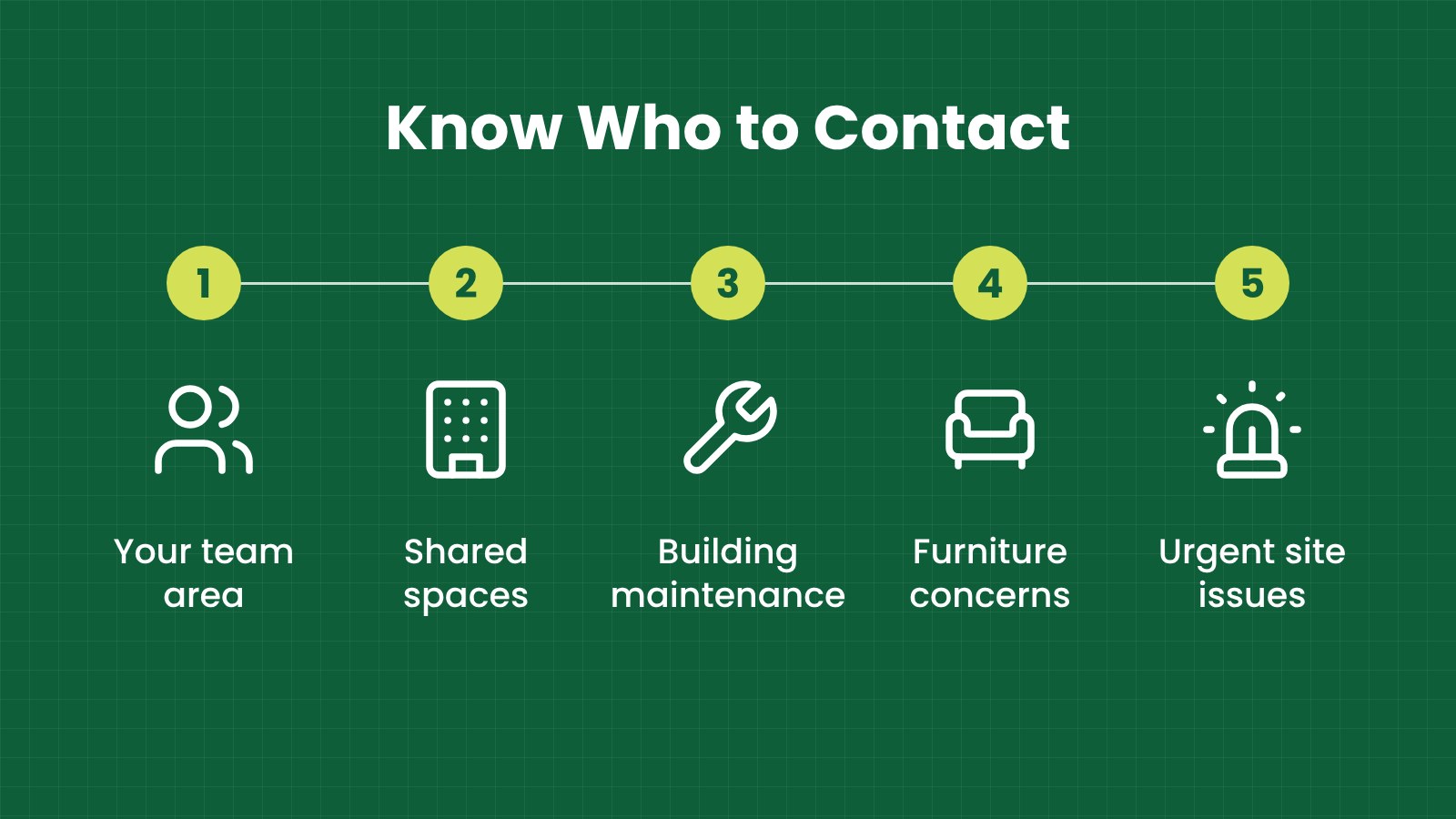
- Know the contacts: Find out who handles your team area, shared spaces and building maintenance.
- Walk the routes: Check that desks, chairs, deliveries and queueing do not block the way through.
- Check each workstation: Make sure staff can use their desk, chair, screen and storage comfortably.
- Ask your team: Find out what feels awkward, crowded or difficult to report.
- Agree simple actions: Name who will follow up, when it will happen and how the result will be checked.
Why does responsibility matter in a shared office?
A co-working office may have tenant work areas, shared desks, meeting rooms, reception, kitchens and common corridors. Different people may look after different parts of the space.
If no one knows who to contact, a loose chair, blocked walkway or broken storage unit can remain unresolved. A simple contact list and reporting process help staff raise issues promptly and get them to the right person.
OSHA, Malaysia’s Occupational Safety and Health Act, provides workplace safety context; practical responsibilities depend on the people, spaces and arrangements involved. For a general overview, see OSHA for Offices in Malaysia.
Who looks after what in a co-working office?
Use this table as a starting point for a conversation with your operator and building management. Confirm the actual arrangements for your site and keep the right contact details where your team can find them.
| Who |
Usually looks after |
What your team should do |
| Co-working operator |
Day-to-day service for shared areas, reception, meeting rooms and tenant requests, depending on the agreement |
Ask how to report a shared-area issue, request help or get current site information |
| Your company |
Your employees, your team’s work area, work equipment and how your team uses the space |
Set up desks and chairs, keep your area organised and tell staff how to report a concern |
| Building management |
Building services and areas it manages, such as common facilities or maintenance requests |
Find out how the operator escalates building issues and how your team can report an urgent concern |
The word “usually” matters: each building and service agreement is different. The operator may manage some shared areas directly and refer other issues to building management. Your company may be responsible for its own furniture and equipment even when it rents a furnished office.
Keep the contact process simple. Staff should know who to tell if they find a blocked route, damaged furniture, a spill or a workstation problem. For urgent concerns, make sure they know the site’s current instructions.
What everyday risks should your team look for?
Shared offices are busy. People carry laptops, deliveries arrive, meeting rooms turn over and furniture may be moved between users. These everyday changes can create avoidable risks if the space becomes cluttered or unclear.
Look at how people enter, move through and use the office. Notice whether chair legs, bags, cables, boxes or temporary signs narrow the route. Check whether drawers and cabinet doors can open without blocking a walkway. Make sure shared furniture is stable and in usable condition.
Check the team work area too. Staff may be reaching across desks, sitting on chairs that do not suit their needs or placing files on the floor because there is not enough storage. Ask staff what makes their normal work harder and review practical changes.
Be clear about what your team can fix and what needs to go to the operator. Staff can put away their own supplies, but they should not move building equipment or alter a shared layout without checking first.
How should you set up your own team area?
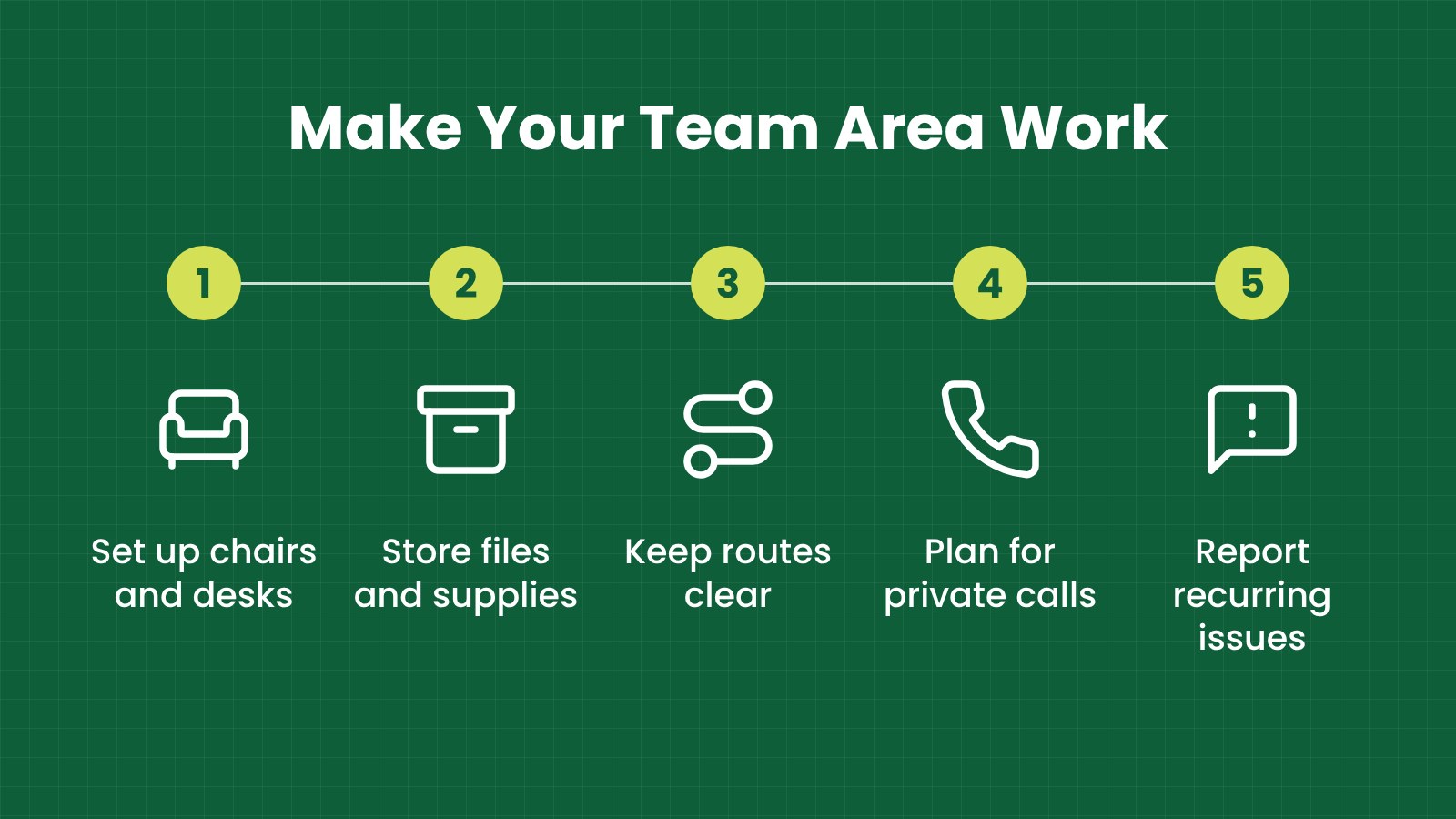
Start with the work. A team that mainly uses laptops needs a different arrangement from one that frequently reviews paper files, joins calls or meets visitors. Make sure there is enough surface space for equipment and documents without spreading materials into the walkway.
Choose chairs and desks that suit the people using them. Staff should be able to adjust their position and reach the keyboard, mouse, screen and frequently used items without repeated awkward stretching. If the setup does not work for a person, ask what change would help and consider suitable equipment.
Height-adjustable desks may give some teams more choice in how they work through the day. They still need to fit the room and be set up with suitable chairs, screens and power access. Any change should support the task and leave the route clear.
Storage is part of the layout. Use shelves, cabinets or mobile storage that fit the available area and keep frequently used items easy to reach. Avoid unstable stacks and keep heavier or bulky items from becoming obstacles.
| Team area check |
What to look for |
Possible improvement |
| Desk and chair |
Awkward reaching, poor fit or unstable furniture |
Adjust the setup or choose suitable ergonomic furniture |
| Screen and equipment |
Glare, tangled cables or equipment placed in the way |
Reposition the screen and organise cables safely |
| Files and supplies |
Items stacked on the floor or spread across work surfaces |
Add suitable storage and give shared supplies a clear home |
| Calls and focused work |
Calls disturb others or private conversations are hard to manage |
Agree call practices or consider an acoustic pod if the space allows |
| Walkways |
Bags, chairs or deliveries narrowing the route |
Move items to designated storage and keep routes clear |
How can you make shared areas easier to use?
Shared areas work better when users know what to expect. Ask the operator how meeting rooms are booked, where deliveries should be left, where staff can store personal items and how to report a problem with shared furniture.
Keep communal tables, kitchens and meeting rooms tidy after use. Return chairs to a sensible position and do not leave boxes or equipment where others need to walk. If the same issue happens repeatedly, tell the operator so the process or layout can be reviewed.
In busy corridors and reception areas, queues and waiting visitors can make movement difficult. Let the operator know when furniture placement or wayfinding appears to cause congestion. Avoid adding temporary signs or barriers without checking that they will not narrow the route.
If the operator changes a shared layout, let your team know. A change to a meeting room, entry process or furniture location may affect how staff move through the space.
What should you agree about calls and private conversations?
Open-plan spaces can make calls and focused tasks harder. Agree team practices such as taking longer calls in a meeting room or using a booking process for private spaces. Keep calls at a considerate volume and avoid discussing sensitive matters where others can easily hear.
An acoustic pod can provide a more enclosed place for calls or focused work, if the layout and building arrangements allow it. Confirm space, ventilation, access, power and installation needs with the operator before choosing a pod.
Furniture can help create a better environment for calls, but it does not guarantee privacy. Your company’s own practices still matter: keep screens positioned thoughtfully, store documents appropriately and guide staff on where to hold private conversations.
What common mistakes should you avoid?
- Assuming someone else will handle every issue: Give staff clear contacts for their own area, shared spaces and building concerns.
- Keeping boxes beside desks: Arrange storage or a designated delivery area so items do not narrow walkways.
- Using one setup for every worker: Check whether desks and chairs suit the people and tasks in your team.
- Moving shared furniture without checking: Ask the operator before changing meeting rooms or common areas.
- Leaving staff unsure how to report a problem: Share the operator’s reporting process and your company contact.
- Ignoring repeated complaints: If the same congestion or furniture issue keeps returning, review the setup with the operator.
- Adding a pod or storage without measuring: Check the space and routes before ordering or installing additional furniture.
Fictional Malaysian example: a serviced office in Penang
This example is fictional and is for illustration only.
A small design team in a serviced office in Bayan Lepas has boxes and sample books beside its desks. Staff move their chairs into the main route to make room for deliveries. Team members also take client calls at their desks, where nearby conversations can be distracting.
The team lead asks the operator where deliveries should be staged and how to report issues in shared areas. The company adds storage for sample books, rearranges desks to keep the route clear and checks whether an acoustic pod can be placed nearby with the operator’s approval.
Staff are shown how to adjust their chairs and desks and where to raise concerns. The changes help reduce everyday layout and furniture-related risks, while giving the team a clearer way to get help when a shared-area issue comes up.
How can iGreen help your team?
iGreen can assess your team area, review how people use the space and help plan furniture around your work. We can recommend ergonomic chairs and desks, height-adjustable desks, practical storage and acoustic pods for calls or focused work.
We can also coordinate delivery and installation in Kuala Lumpur and Penang. A site assessment helps us understand your current layout, furniture, routes and team needs before suggesting options that can help reduce risk.
Request a site assessment from iGreen (KL and Penang).
Frequently asked questions
Who should I tell about a problem in a shared area?
Use the co-working operator’s reporting process first, unless the site gives you another route for urgent issues. Your team should also tell its own manager so the concern can be followed up.
Can my company bring in its own chairs or desks?
Check the service agreement and ask the operator before changing the furnished setup. Confirm dimensions, access, delivery and installation arrangements before ordering.
Can an acoustic pod help with calls?
A pod may provide a more enclosed place for calls or focused work if there is suitable space and the operator approves the installation. It does not guarantee privacy by itself.
Can iGreen assess a co-working team area?
Yes. iGreen can review the space, help with furniture and layout planning, and coordinate delivery and installation in Kuala Lumpur and Penang.
Reviewed by
Official source